


 dinero_admin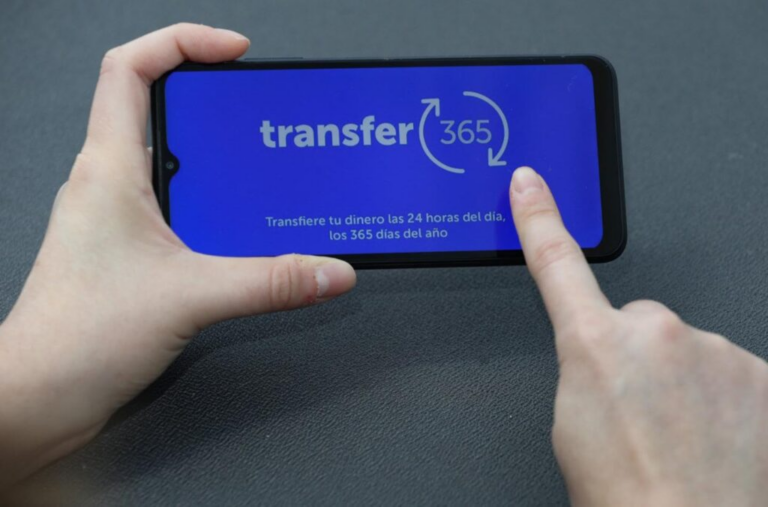
The Banco Central de Reserva (BCR) reminded users that Transfer365 allows them to schedule recurring payments and transfers automatically, an option that facilitates meeting financial obligations and helps avoid missed due dates.
This tool allows users to configure a transfer once and set the desired frequency, whether weekly, bi-weekly, monthly, or another available period, so the system can automatically execute payments according to the established schedule.

Through this function, users can better organize their finances and avoid late payments such as loan installments, utility bills, rent, or other recurring obligations, reducing the risk of incurring additional charges for non-payment.
To activate recurring payment, users must access their financial institution’s mobile application or digital platform, select the Transfer365 option, choose the payment or transfer they wish to schedule, complete the requested information, and activate the recurring payment function.

The user can then define how often they want the transaction to occur. Once configured, the transfer will be made automatically on the selected dates, provided the account has sufficient funds.
The BCR noted that this option is part of the digital tools designed to facilitate users’ financial transactions, allowing them to manage their payments more easily, quickly, and securely.
You can also read: